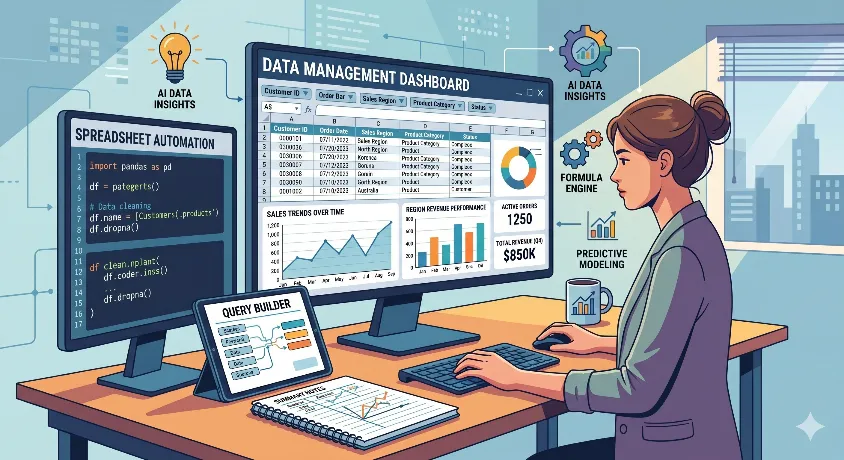
Admin jobs often require spreadsheet skills.
Not advanced finance work.
Not analyst-level reporting.
Just clean, usable spreadsheet work.
Can you update the records?
Track follow-ups?
Sort data?
Fix messy entries?
Create a simple sheet that is easy to understand.
That is the real test.
Free Spreadsheet Practice Tools help you practice that work without paying first. Some let you use the tool directly. Some teach the basics. Some give you exercises, so you stop learning only in theory.
This post is for job seekers in admin and office support.
Office assistant. Admin executive. Back office support. Coordinator. Front desk roles with reporting work.
You do not need fancy software.You need practice.
Basic confidence.
And a few tools that help you handle real office tasks.
Best Spreadsheet Practice Tools for Office and Administrative Support Jobs
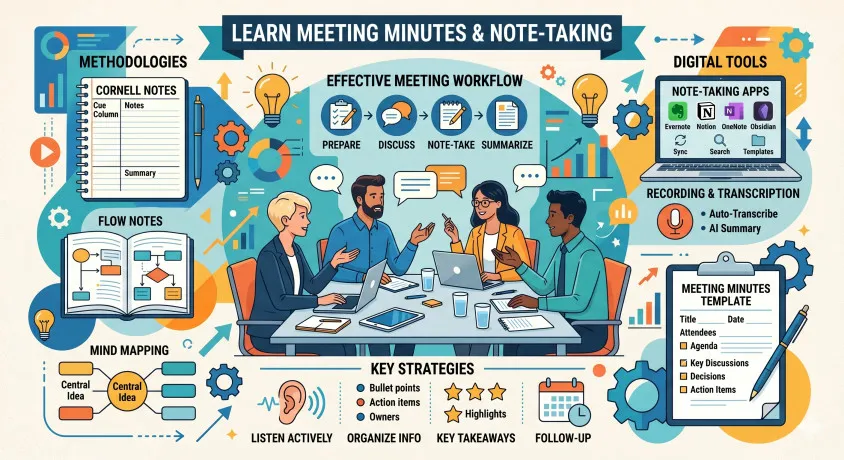
Best Tools to Learn Meeting Minutes and Note-Taking for Administrative Assistants
Quick Summary of Free Spreadsheet Practice Tools
Quick Summary of Free Spreadsheet Practice Tools
| Tool | Type | Free Access | Best For | What You Can Practice | Main Limit |
|---|---|---|---|---|---|
| Google Sheets | Online spreadsheet | Free | Daily practice | Data entry, formulas, filters, trackers | Not full Excel replacement |
| Excel Online | Online spreadsheet | Free | Excel interview prep | Tables, sorting, formatting | Limited features |
| Zoho Sheet | Online spreadsheet | Free | Alternative practice | Collaboration, formulas | Less market demand |
| Airtable | Spreadsheet + database | Free plan | Structured tracking | Records, status tracking | Not traditional spreadsheet |
| Smartsheet | Work tracking sheet | Free plan | Task-based admin roles | Task tracking, deadlines | Very limited free version |
| LibreOffice Calc | Desktop spreadsheet | Free | Offline practice | Formulas, formatting | Low recruiter visibility |
| WPS Spreadsheet | Desktop/mobile | Free | Excel-like interface | Editing, templates | Ads/upsells |
| ONLYOFFICE | Spreadsheet editor | Free | File compatibility | Offline + online editing | Less common in hiring |
| Coda | Doc + table tool | Free plan | Admin workflows | Tables, tracking | Not pure spreadsheet |
| Notion | Workspace tables | Free | Organized records | Databases, logs | Weak formulas |
| Rows | Modern spreadsheet | Free plan | Clean UI practice | Tables, light analysis | Low awareness |
| ClickUp Table View | Task tool | Free plan | Task + data mix | Lists, tracking | Not a spreadsheet |
| Baserow | Database grid | Free plan | Structured records | Forms, tracking | Learning curve |
| Grist | Relational sheet | Free plan | Advanced organization | Linked data | Overkill for beginners |
| OpenOffice Calc | Desktop spreadsheet | Free | Basic offline work | Simple sheets | Outdated feel |
How to Evaluate Free Spreadsheet Practice Tools
Do not make this complicated.
You are not trying to become an Excel expert.
You are trying to get comfortable.
That means simple things.
Can you enter data properly?
Can you sort a list?
Can you filter names or dates?
Can you make a sheet look clean?
Can you use basic formulas without freezing?
That is enough for many admin jobs.
So pick tools that help you practice fast.
Not tools that look impressive.
Not tools that feel advanced.
Not tools that waste your time.
If a tool helps you build trackers, logs, lists, and simple reports, it is useful.
That is the standard.
Best Free Spreadsheet Practice Tools for Office and Administrative Support Jobs
Google Sheets
This is the best place to start.
It is free. Easy to use. Easy to access. You do not need to install anything. Just open it and start working.
It is great for normal office-style practice. You can make attendance sheets, meeting trackers, expense logs, contact lists, and follow-up records. That is the kind of work many admin roles involve.
It is also good for basics like formulas, filters, formatting, and drop-downs.
If you only pick one tool from this list, pick this one first.
Excel Online
Use this if job posts around you keep saying Excel.
A lot of companies still write “Excel” even when the work is basic. So it helps to practice in the Microsoft environment too.
You can use it for tables, sorting, filters, formulas, and clean formatting. That makes it useful for interview prep.
It is not as strong as desktop Excel, but for beginner-level admin preparation, it is still enough.
Zoho Sheet
Zoho Sheet is a simple extra option.
It is not the first name people think of, but it still works well for practice. If you want another free spreadsheet tool to build comfort, this is fine.
Use it for basic spreadsheet work like data entry, formulas, formatting, and simple shared sheets.
It may not help much with recruiter recognition, but it can still help you practice.
Airtable
Airtable is different.
It does not feel like a normal spreadsheet. It feels more like a tracker.
That is why it can still be useful for admin roles. Some offices use tools like this for organizing records, bookings, tasks, and status updates.
So this is not your first spreadsheet tool. But it is a useful second tool for understanding how modern office tracking works.
Smartsheet
Smartsheet is more about task tracking than basic spreadsheet learning.
It is useful if you are applying for admin roles where follow-ups, deadlines, or coordination work matter.
The free plan is limited, so do not depend on it too much. It’s still worth exploring, as some offices use this tool for real work.
LibreOffice Calc
This is good for offline practice.
If you do not want to depend on browser tools, you can use Calc on your laptop and practice quietly on your own files.
It is useful for formulas, formatting, tables, and data entry.
Just remember this: recruiters usually ask for Excel, not Calc. So use Calc for practice, not as your main interview talking point.
WPS Spreadsheet
This is helpful if you want something that feels a bit like Excel.
You can use it for normal spreadsheet practice, templates, and basic formatting work.
The main issue is the extra ads and upsell prompts. Some people do not mind. Some get irritated fast.
Still, it is usable for beginners.
ONLYOFFICE
ONLYOFFICE is another simple practice option.
It is not famous. But that is okay. Not every tool has to be famous to be useful.
If it lets you open a sheet, organize data, use formulas, and format things properly, it can help you improve.
Treat it as an extra option, not your main one.
Coda
Coda is useful when work involves more than just rows and columns.
Some admin jobs also involve tracking notes, action items, and follow-ups in one place. That is where Coda can help.
It is not the best tool for learning classic spreadsheets. But it is useful for understanding how office work can be organized.
Notion
Notion is more about organization than spreadsheets.
You will not come here for serious formula practice. You will use it for logs, lists, schedules, and clean records.
That still matters.
A lot of admin work is just keeping information in order. Notion helps with that.
When Free Tools Are Enough
Free tools are enough when you are still building the basics.
That means:
- learning formulas
- practicing lists
- creating trackers
- cleaning simple data
- getting comfortable
For entry-level admin roles, this is often enough.
You do not need paid tools just to get started.
When Free Tools Stop Being Enough
Free tools are no longer enough when the role requires more.
Maybe the company wants advanced Excel.
Maybe you need deeper reporting skills.
Maybe you want certification.
Maybe you need guided training.
That is when courses or paid learning can help.
But do not jump there too early.
First, get good at the basics.
Related Next Steps
After picking a tool, start making your own practice sheets.
Make an attendance tracker.
Make a meeting log.
Make an office expense sheet.
Make a vendor contact list.
Make a task tracker.
This helps more than watching ten tutorials.
And for admin jobs, do not stop with spreadsheets.
Also work on:
email writing
typing speed
resume quality
file organization
That full mix is what makes you more job-ready.
FAQs
What are the best Free Spreadsheet Practice Tools for admin jobs?
Google Sheets and Excel Online are the best starting points for most people.
Can I learn spreadsheet skills for office jobs for free?
Yes. You can learn the basics without paying.
Are free spreadsheet tools enough for admin interviews?
Yes, for many entry-level roles, they are enough.
Should I learn Google Sheets or Excel first?
Start with what is easiest for you. Add Excel if the job post often mentions it.How should I practice spreadsheets for administrative support jobs?
Build simple office-style sheets and use them repeatedly.