PDF work is not optional in office jobs. It is daily work.
You will be asked to edit files, fix formatting, merge documents, convert scans, and send clean versions. This is where most candidates slow down.
This list of Best PDF and Document Editing Tools is not for learning theory. It is to help you get comfortable with the real tasks you will face in admin roles.
You do not need 20 tools. You need a few that help you:
- edit fast
- fix messy documents
- convert without breaking formatting
- handle files confidently in interviews
Some tools here are perfect for practice. Some are strong for real work. A few are included because companies already use them.
Pick smart. Practice daily. That is how you stand out.
| Tool | Editing Depth | Ease for Beginners | Real Work Use | Free Plan Reality | Verdict |
|---|---|---|---|---|---|
| PDFgear | Full editing | Very easy | Good for basic work | Actually usable | Best free starting point |
| PDF-XChange Editor | Deep control | Medium | Strong for tasks | Watermark limits | Best for skill building |
| Foxit PDF Editor | Advanced editing | Medium | Workplace ready | Trial only | Best non-Adobe option |
| Nitro PDF | Advanced editing | Medium | Corporate workflows | Trial only | Good for awareness |
| Kofax Power PDF | Advanced editing | Medium | Enterprise use | Trial only | Corporate-level tool |
| Soda PDF Desktop | Moderate editing | Easy | Light office work | Limited free | Good beginner tool |
| Ashampoo PDF Pro | Full editing | Easy | Personal use | Trial only | Simple paid option |
| Wondershare PDFelement | Full editing | Easy | Office workflows | Watermark free | Balanced choice |
| Adobe Acrobat Pro | Complete control | Hard | Industry standard | Trial only | Must know tool |
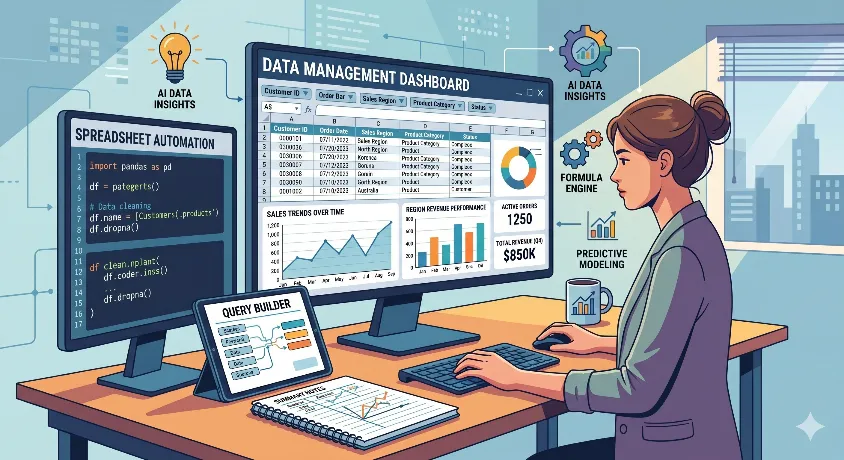
Best Spreadsheet Practice Tools for Office and Administrative Support Jobs
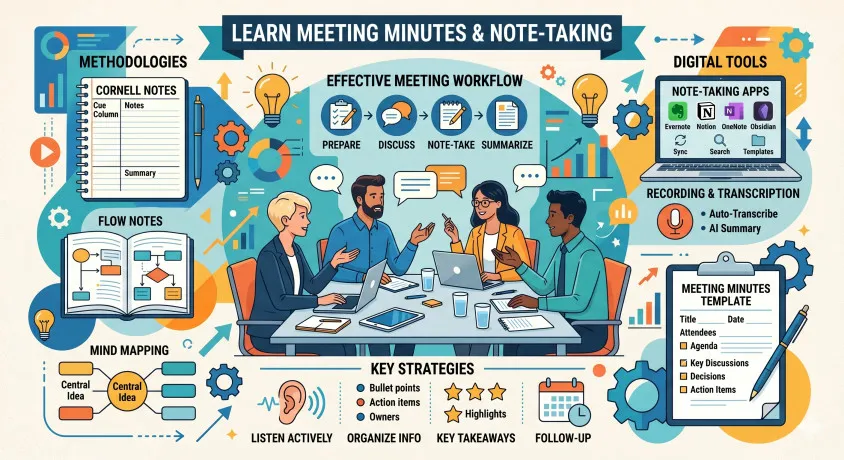
Best Tools to Learn Meeting Minutes and Note-Taking for Administrative Assistants
PDFgear
PDFgear is the easiest tool to start with. That is the main reason it belongs here.
Most office and admin job seekers do not need heavy PDF software on day one. They need something that lets them open a file, make changes, save it properly, and move on. PDFgear handles that well. You can edit text, add notes, sign files, and rearrange pages without fighting the interface.
Its strength is confidence. Its weakness is market value. Compared with PDF-XChange Editor, it is easier but less serious. Compared with Adobe Acrobat Pro, it is lighter but not nearly as strong as a workplace signal. Good starting tool. Not the best long-term one.
PDF-XChange Editor
This is where real skill-building starts.
PDF-XChange Editor gives you more control and teaches you what full PDF editing actually feels like. That matters if you may have to work on longer files, comments, stamps, or formatting fixes. It is not as friendly as PDFgear, but it gives you more in return.
Compared with Foxit, it feels a little less polished. Compared with PDFgear, it is far more capable. This is the tool for the job seeker who wants to be better than just functional.
Foxit PDF Editor
Foxit feels closer to actual office software.
That is its edge. It is structured, professional, and easier to picture in a real workplace. If you want practice that feels more like handling actual documents, Foxit is a stronger pick than beginner-first tools.
Compared with PDF-XChange Editor, it is cleaner. Compared with Adobe Acrobat Pro, it is easier to approach but still serious enough to matter. Good bridge between practice and workplace-ready exposure.
Nitro PDF
Nitro is more useful for awareness than practice.
It feels familiar because the interface is close to office software. That helps. But for most job seekers, it is not the first tool to learn deeply. It makes more sense as a tool you should recognize, especially if you are targeting corporate admin roles.
Compared with Foxit, Nitro feels a bit more corporate and a bit less flexible. Compared with Adobe Acrobat Pro, it is simpler but not as complete. Worth knowing. Not the smartest place to start.
Kofax Power PDF
Kofax Power PDF sits firmly in the corporate bucket.
It is the kind of tool you may see in larger organizations, especially where document workflows are more formal. That gives it market value, but not much beginner value. Most ordinary job seekers do not need to spend serious time here unless a role or company specifically mentions it.
Compared with Nitro, it feels more enterprise-focused. Compared with Adobe Acrobat Pro, it serves a similar purpose but comes up less often. Good for market awareness. Easy to deprioritize for actual practice.
Soda PDF Desktop
Soda PDF is a middle-ground tool.
It is easier to approach than the heavier editors, but it still gives you a more structured feel than beginner-first options. That makes it useful for someone who wants to move beyond basic comfort without jumping straight into a more serious tool.
Compared with PDFgear, it feels more like a proper editor. Compared with Foxit, it is less capable and less work-ready—a useful stepping stone, but not the strongest tool in the list.
Ashampoo PDF Pro
Ashampoo PDF Pro is fine, but that is also the limitation.
It is clean, simple, and easy enough to use for straightforward editing. That makes it comfortable. The problem is that it does not give you much of a market advantage, and it is not the tool most employers will care about.
Compared with Soda PDF, it feels a bit simpler. Compared with Adobe Acrobat Pro, it is much lighter and far less important. Useful if you want a no-fuss tool. Not important enough to prioritize.
Wondershare PDFelement
PDFelement is one of the more balanced tools here.
It gives you a lot of what people want from Adobe-style editing, but without feeling as heavy. That makes it a practical option for job seekers who want one tool that covers most common needs without becoming a headache.
Compared with Foxit, it is a bit easier to get into. Compared with Adobe Acrobat Pro, it is less powerful but more approachable. Strong all-rounder. Better choice than some of the more niche tools in this list.
Adobe Acrobat Pro
Adobe Acrobat Pro is the benchmark, whether people like it or not.
When employers think of serious PDF editing, this is usually the reference point. That does not mean every admin job seeker needs mastery. But it does mean you should know what it is, what it does, and why it matters.
Compared with everything else here, Adobe brings the most depth and the strongest workplace signal. The downside is obvious: it is heavier, more expensive, and more than some beginners need at the start. Best tool for market relevance.
Not always the best first tool for learning.
Decision rules
Do not overthink this.
Start with PDFgear if you have never properly edited a PDF. It will get you comfortable fast. That matters more than features in the beginning.
Move to PDF-XChange Editor once you can handle the basics. This is where you build actual skill. If you can work confidently here, you are already ahead of most candidates.
Pick Foxit PDF Editor if your goal is workplace readiness. It feels closer to real office environments. Good balance between usability and professional exposure.
Choose Wondershare PDFelement if you want one tool that does most things well without feeling too heavy. This is the safest all-round option for many users.
Use Adobe Acrobat Pro for awareness. You do not need to master it early, but you should not be unfamiliar with it. If a job test involves PDF work, this is often the reference standard.
Ignore tools like Kofax or Nitro unless a role specifically demands them. They are useful in certain companies, but not essential for most job seekers.
For most office and admin job seekers:
Start with PDFgear → move to PDF-XChange → get comfortable with Foxit or PDFelement.
That path is enough to handle real work and clear basic task-based interviews.
FAQs
What is the best PDF tool for beginners in admin jobs?
PDFgear is the easiest starting point. It helps you learn basic editing without confusion.
Do I need to learn Adobe Acrobat Pro for admin roles?
You do not need mastery, but you should know how it works. Many companies use it.
Which PDF tool is best for practice before interviews?
PDF-XChange Editor is a strong choice. It gives real editing experience.
Is Foxit better than Adobe Acrobat?
Foxit is easier and cheaper. Adobe is more powerful and widely recognized.
Can I learn to edit PDFs for free?
Yes. Tools like PDFgear and PDF-XChange Editor offer usable free versions.
Which tool should I mention in my resume?
Adobe Acrobat and Foxit are better known than beginner tools.
Is PDFelement good for beginners?
Yes. It is easier than Adobe but still powerful enough for real tasks.
Are online PDF tools enough for job preparation?
No. They help with quick tasks but do not build real editing skills.
Wrap Up
The best PDF and Document Editing Tools are not about features. They are about getting work done cleanly. Start simple, build skills, and move toward tools that reflect real office work.